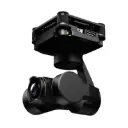
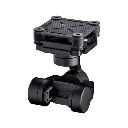
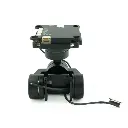
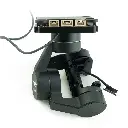
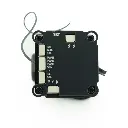
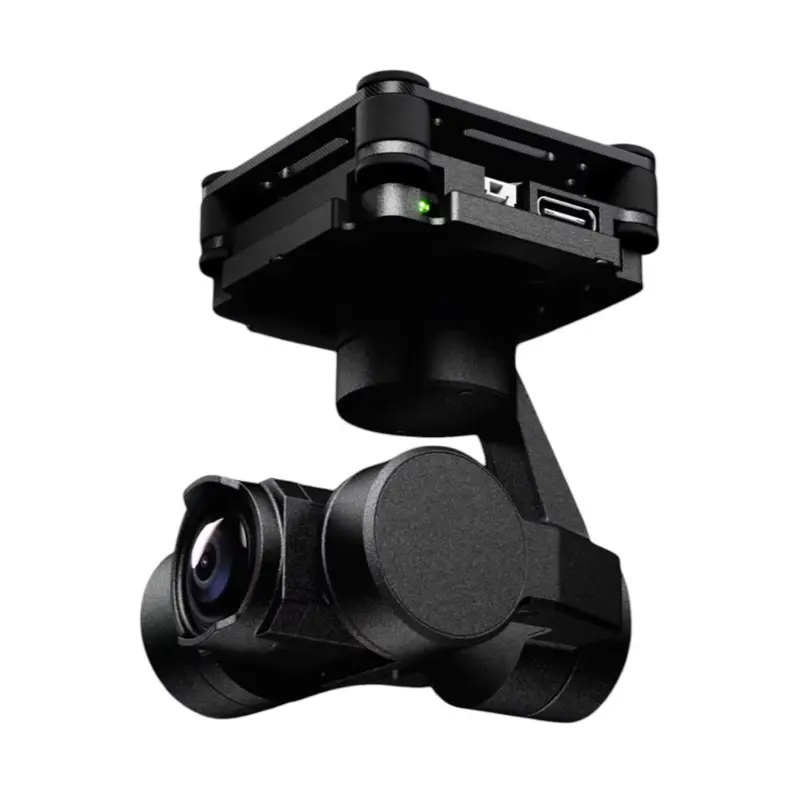
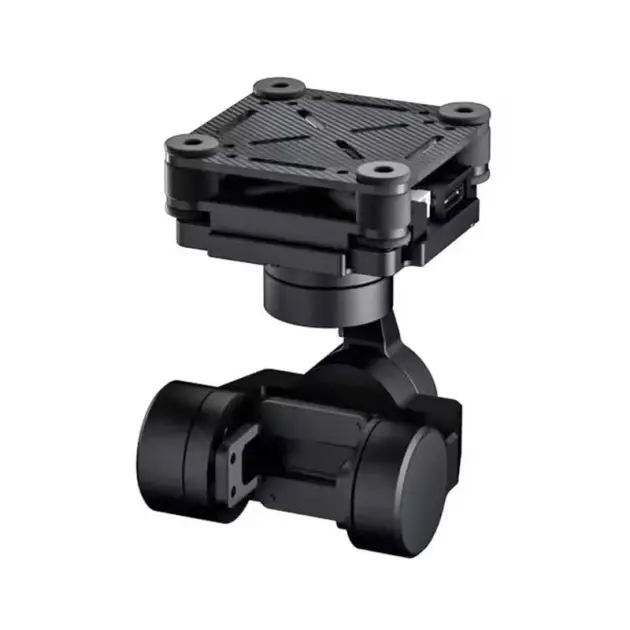
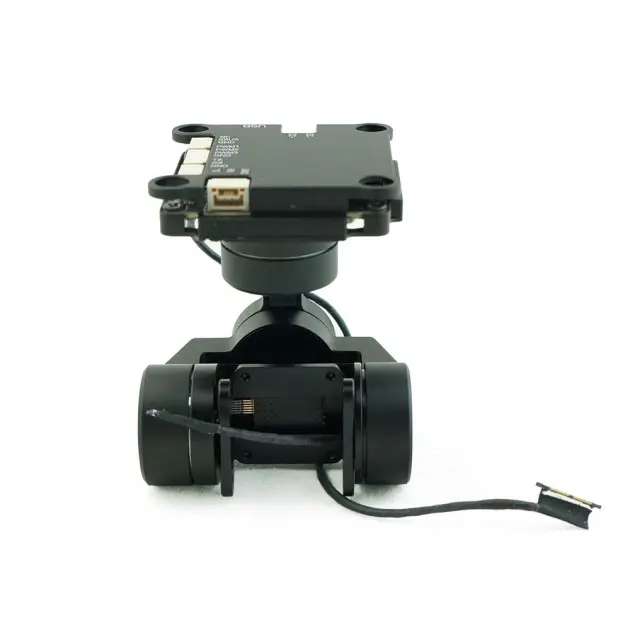
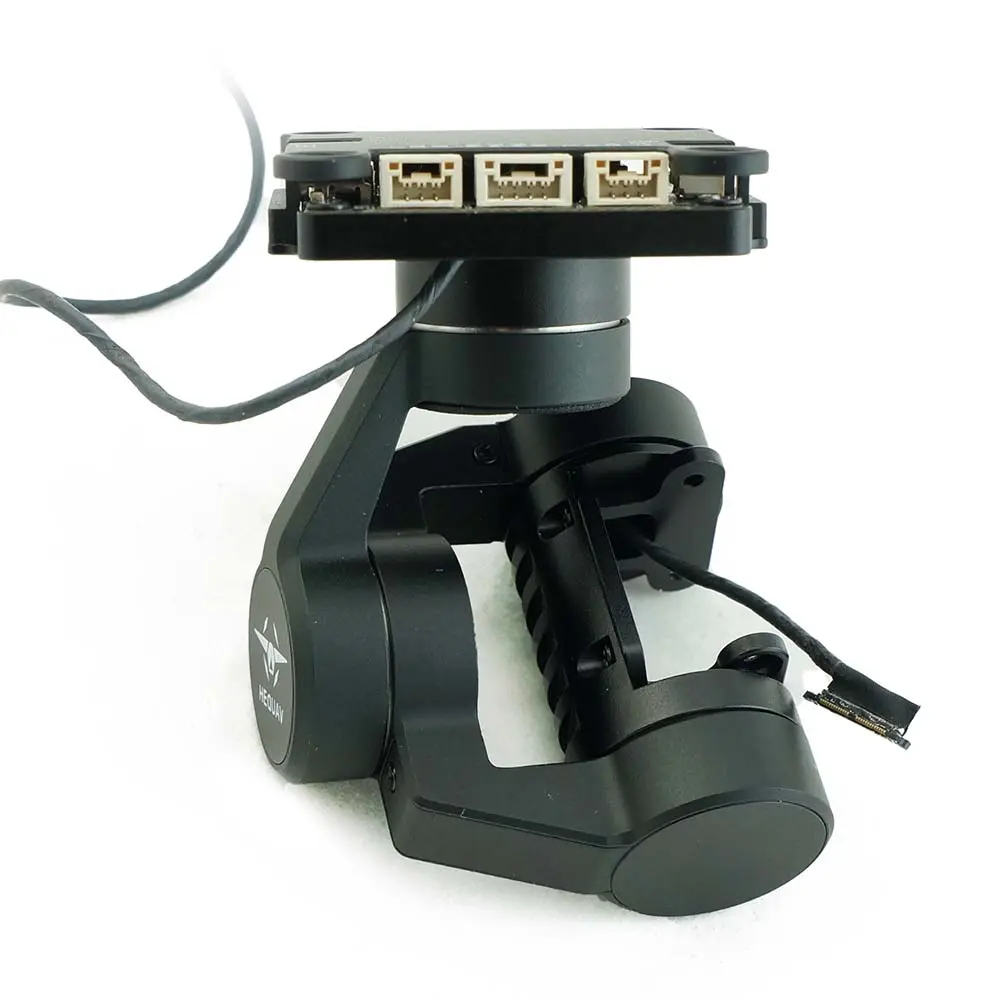
HEQUAV G-port 3-axis gimbal for DJI O4 Pro
HEQUAV G-port 3 is a 3-axis gimbal suitable for FPV drones, model airplanes, RC cars, and more. The gimbal can be installed facing down or up, depending on your needs. It can be controlled via a flight controller or RC transmitter using SBUS, PWM, or Mavlink protocols. It supports a stabilized mode, where the gimbal compensates for drone tilting, and an FPV mode, where the gimbal smoothly follows the drone’s movements. It also works in headtracking mode.
- Manufacturer: HEQUAV
- CoO: China
- Shipping Weight: 200gms
30-day money-back guarantee
Shipping: 2-3 Business Days
HEQUAV G-port 3-axis gimbal for DJI O4 Pro
HEQUAV G-port 3 is a 3-axis gimbal suitable for FPV drones, model airplanes, RC cars, and more. The gimbal can be installed facing down or up, depending on your needs. It can be controlled via a flight controller or RC transmitter using SBUS, PWM, or Mavlink protocols. It supports a stabilized mode, where the gimbal compensates for drone tilting, and an FPV mode, where the gimbal smoothly follows the drone’s movements. It also works in headtracking mode.
Note: This Package doesn’t come with DJI O4 Pro

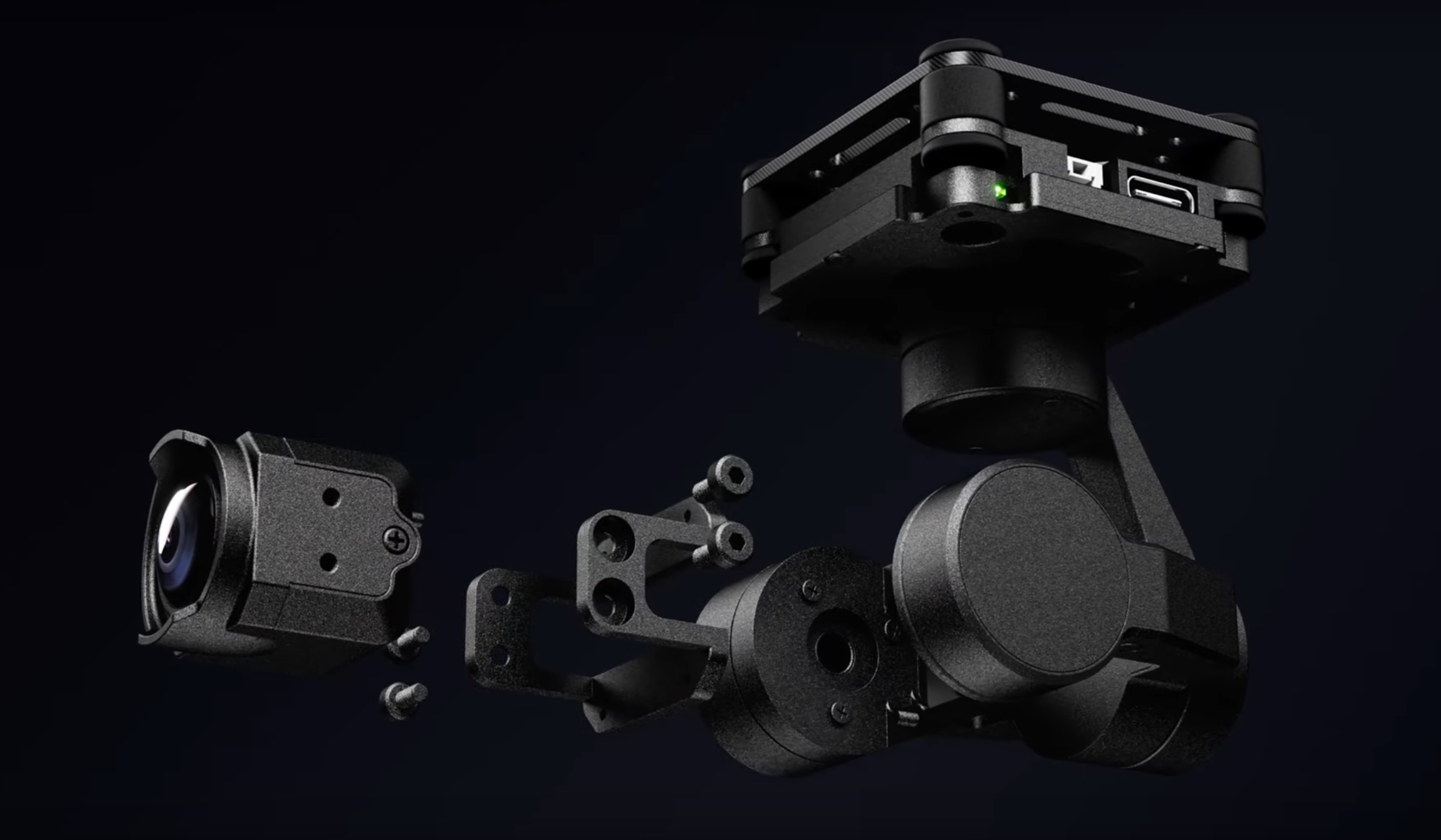
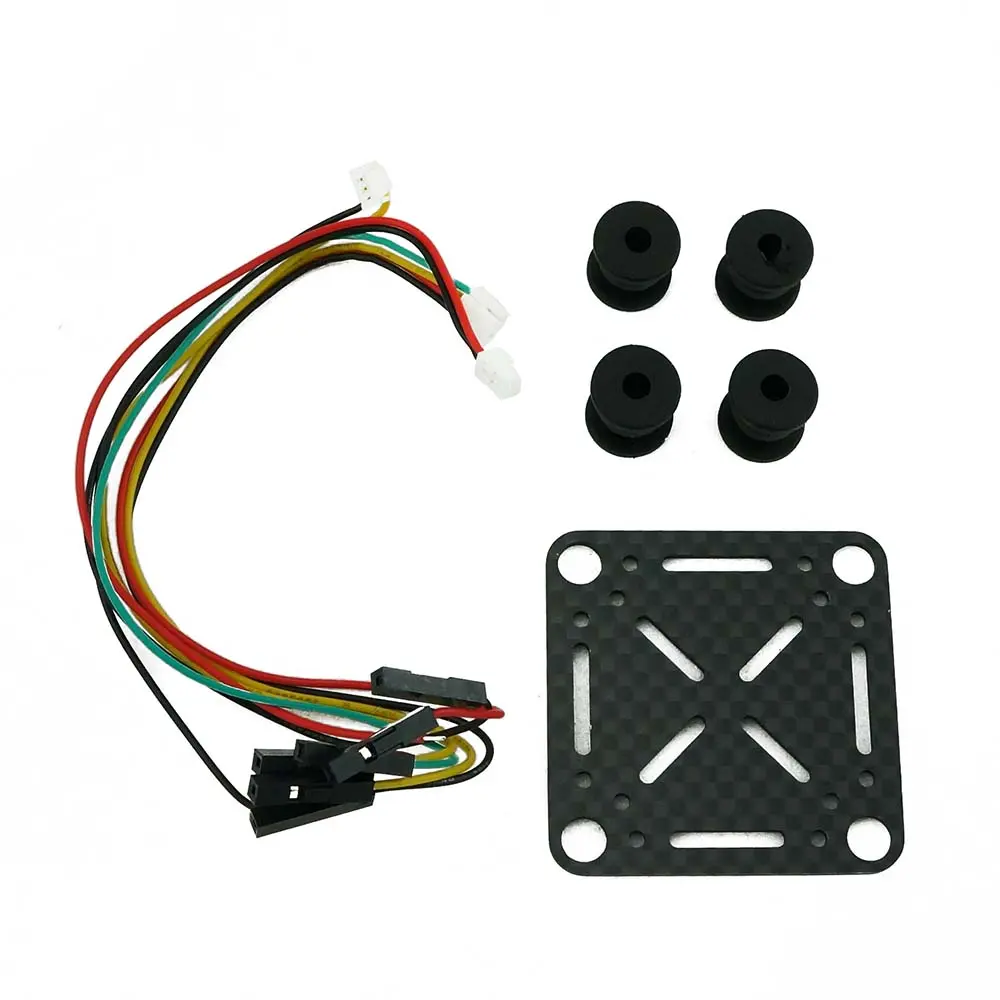
The gimbal can be powered with a voltage range of 12–18V. It is mounted on a carbon base plate using rubber softmounts to reduce vibrations.
The G-Port is designed for use with the DJI O4 Pro system.
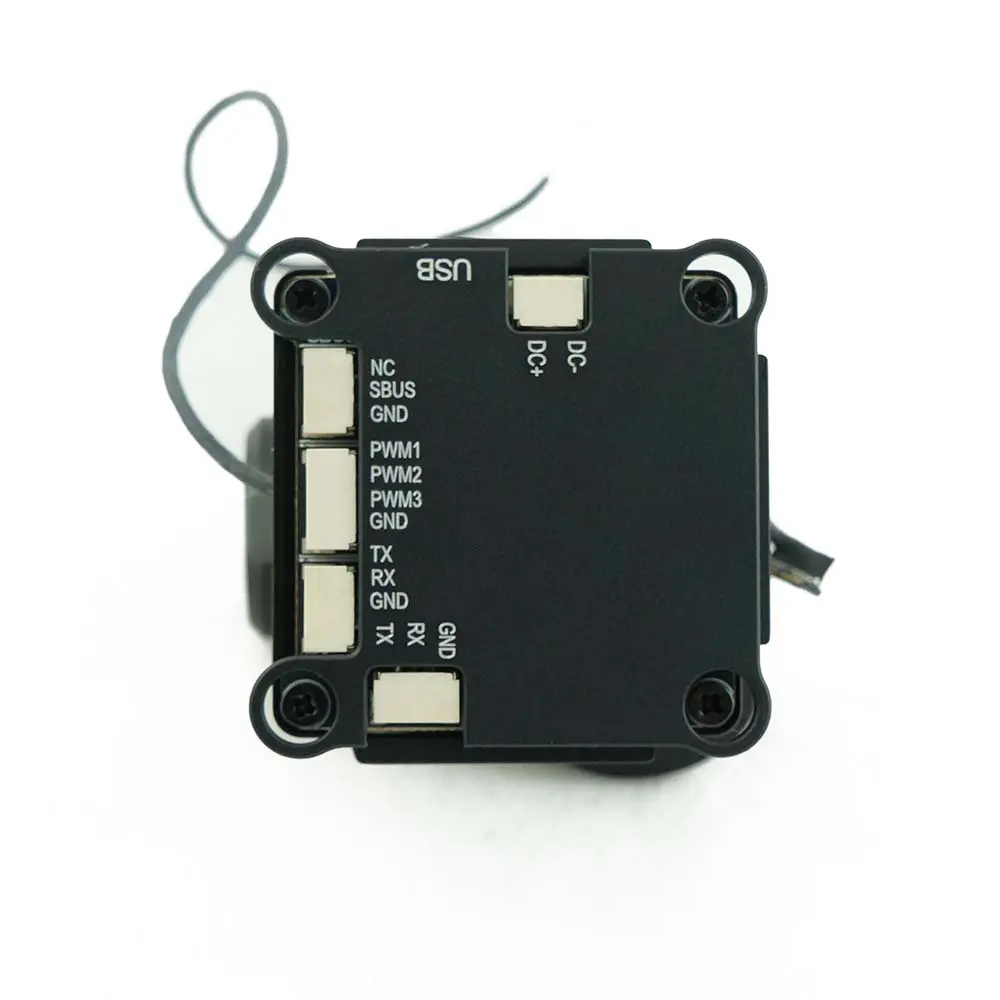
Dimensions and Interface Diagram:

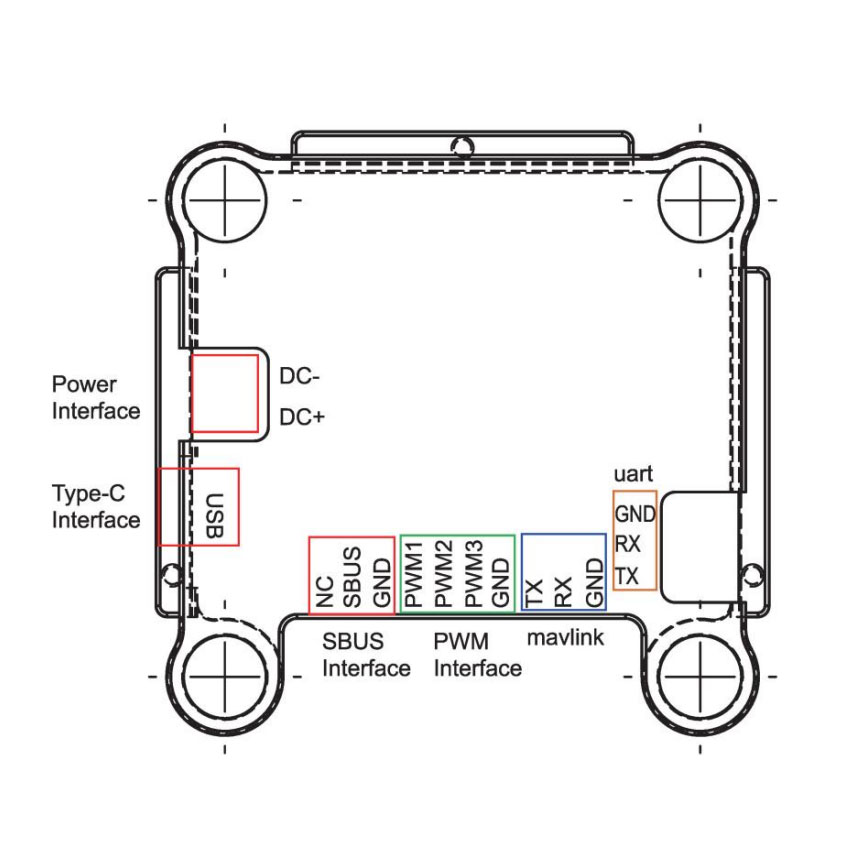
Any ELRS receiver set to SBUS output can be used to control the gimbal.
Downloads:
A Windows application is available to configure the HEQUAV G-Port. You can adjust the gimbal orientation, rotation speed, operating mode, input channels, and more.
G-Port Assistant software + G-Port250312 Firmware : HEQ host computer + GPort250506 firmware
Tutorials:
All YouTube tutorials for HEQ G-port gimbal
1. How to start the G-port gimbal assistant software
3. G-Port Gimbal Channel and Modes Settings
4. G-Port Gimbal Camera Settings
5. G-Port Gimbal Firmware Upgrade
6. How to change coaxial cable
9.Headlock, Free Axis Selection,Torque Setting Introduce
10. 3-axis lock Mode(full posture), Zero Calibration Function
FEATURES:
- Input voltage: 12-18V
- Pitch range: -135° to 45°
- Roll range: -45° to 45°
- Yaw range: -135° to 135°
- Supported protocols: SBUS, PWM, Mavlink
- Supported camera: DJI O4 Pro
- Modes: Stabilized, FPV
- Weight: 71g
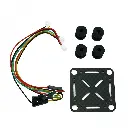
PACKAGE INCLUDES:
- 1x Gimbal
- 1x Carbon Plate
- 1x Cable Set
- 1x Softmount Set